How to Get Thousands of IPTV Channels on Your Fire TV Stick
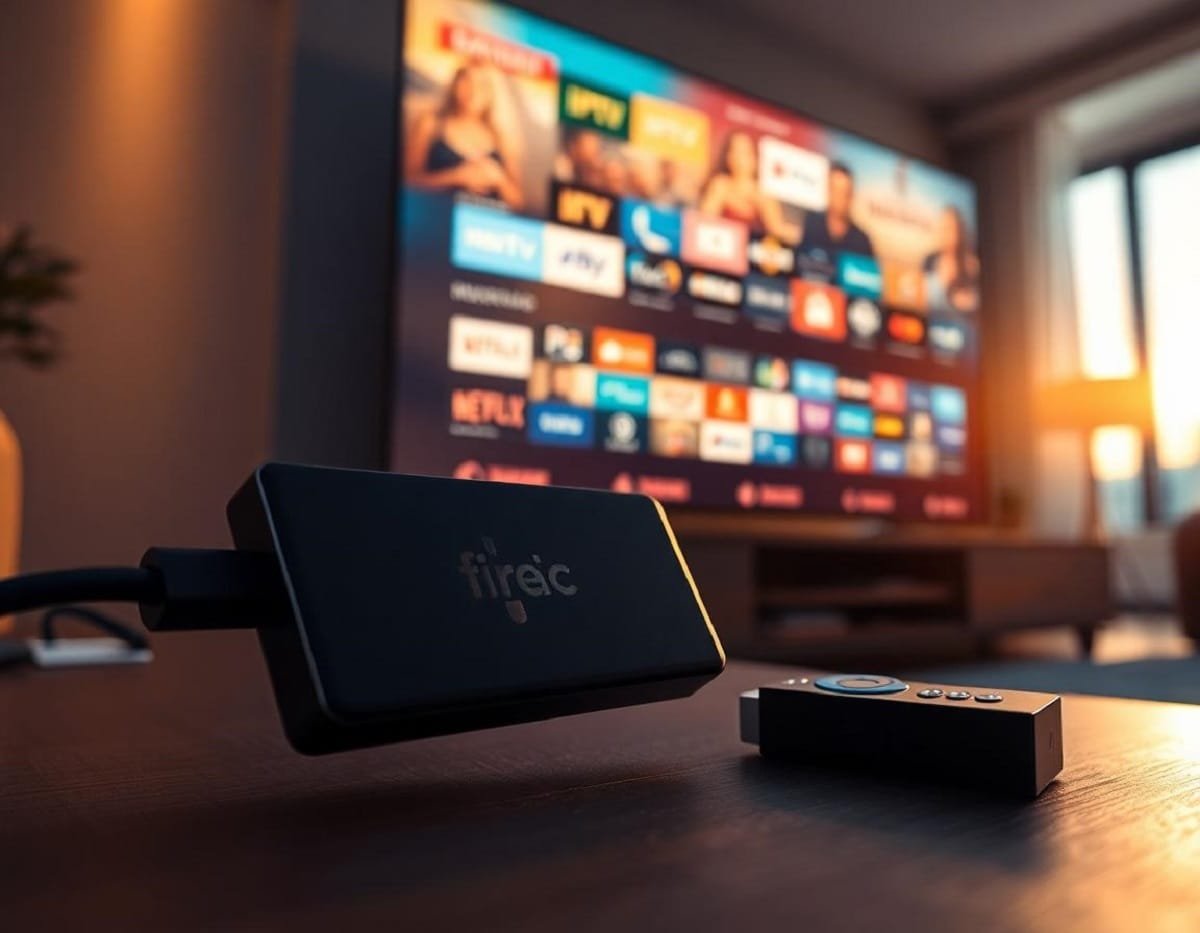
There is a single app available for Fire TV
devices that brings thousands of live TV channels together in one place for free. This guide explains how to set up your Fire TV so you can access an organized list of these channels using a straightforward interface.
Fire TV devices include a “Live” section.
This feature lets you pull TV channels from supported streaming apps, putting them into a unified guide. With this, you avoid opening each app just to find a channel.
To get started, open your Fire TV and go to the “Live” TV Guide. Amazon works with many streaming services—both free and paid—so channels from apps like Prime Video, Pluto TV, Plex, Zumo Play, and others are supported. This arrangement lets you see all available channels in one spot, complete with a preview screen for each.
To customize your guide or add new channels, press the remote’s menu button (the one with three horizontal lines). A sidebar appears, letting you manage favorites or access channel management options.
In “Manage Channels,” you’ll see which channel sources connect to your Fire TV. Depending on your country, you might have Prime Video, Plex, Zumo Play, and news sources available. You can move these sources up or down, so your most-used services show first.
For new content, use the “Add Channels” option from the same menu. This brings up a list of apps that offer live channels. At the top, apps needing a subscription display first, but many free apps are available as you scroll. Your channel lineup depends on your region, but you can access more by changing to another Amazon region such as the US.
To add a channel source like Pluto TV, select it from the “Add Channels” list. This takes you to the Appstore for installation. Once you’ve installed and opened Pluto TV, it integrates directly into the Live TV Guide. After setup, channels from Pluto TV will be shown alongside others in your guide, where you can browse and access them without using separate apps.
Your Fire TV guide clearly labels sources and helps keep content organized, no matter how many channels you add. If you live outside the US or UK and want additional apps, you can change your Fire TV’s region in the settings. This unlocks extra official apps from the Amazon Appstore, providing even more live channels.
The Fire TV Live feature makes it simple to keep thousands of channels in one view, easy to browse and customize. This setup streamlines your streaming experience and keeps all content accessible within a single guide.