How to Use IPTV for Multilingual Channels 2026
Intro, Backstory & Why This Matters
Imagine this: you’re watching your favorite series—but want to switch the audio to another language halfway through. Or you want subtitles in your mother tongue. That’s where IPTV multilingual channels shine in 2026. Whether it’s sports, movies, or news, multilingual support transforms IPTV into a truly global experience.
I recall when I traveled abroad and found my usual IPTV stream defaulted to a language I barely understood. One click to switch audio back home saved my night. That experience stuck—now I always make sure my IPTV provider supports multiple languages and subtitles. It should be a given, not a wish.
Why this matters?
- Access to global content. Watch shows in original audio or dubbed versions.
- Inclusivity. Subtitles and alternate audio help those who are deaf or learning languages.
- Better cultural connection. Switch to commentary in your native language for sports and news.
How to Access Multilingual IPTV Channels
Let me walk you through enabling multilingual audio and subtitles on IPTV:
- Step 1: Choose a provider with multilingual support. Look for “multiple audio tracks” and “subtitle support” in their features list.
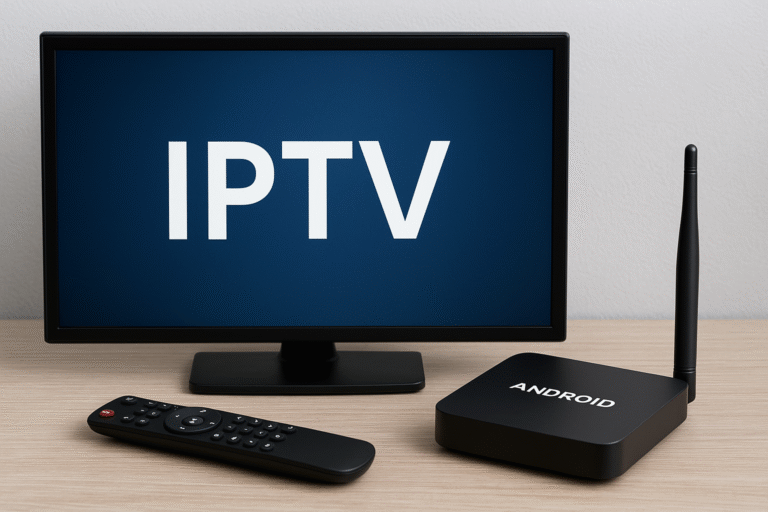
- Step 2: Use an IPTV player that supports audio tracks & subtitles. Apps like IPTV Smarters, TiviMate, VLC, GSE Smart IPTV are good options.
- Step 3: Load playlist or portal. Import M3U or portal URL—player should detect multiple audio/subtitle options.
- Step 4: During playback, select audio track. Use the player’s audio menu to switch languages (e.g. English, Arabic, Spanish).
- Step 5: Enable subtitles. Toggle subtitle option in the player UI—choose your language if multiple subtitle tracks exist.
- Step 6: Save preferences per channel. Some apps allow you to remember your preferred audio/subtitle for each channel.
Pro tip: For live events, choose the language track before the event starts to avoid audio swap lag.
Reality Check
Here’s reality: not all IPTV channels support multiple audio or subtitles. Some providers only carry main audio, no alternate tracks. Also, subtitle quality can vary—timing may be off or translation inaccurate. Some apps also mis-handle switching tracks live.
By 2026, multilingual support is more common, but still not universal. Check your provider first—if they don’t support it, even the best app won’t help.
FAQ
- Q: Will switching audio interrupt playback?
A: Some apps manage smoothly; others may insert a small delay. - Q: Do subtitles always sync perfectly?
A: Ideally yes, but some streams may have misalignments. - Q: Can I add my own subtitle file?
A: Yes, many IPTV players support external SRT/VTT files. - Q: Does multilingual audio use more data?
A: No, audio tracks are small—data usage difference is negligible. - Q: Is multilingual support in all regions?
A: Depends on provider licensing. Some regional channels exclude alternate audio.
Final Verdict
Enabling IPTV multilingual channels in 2026 empowers you to tailor your streams—switch languages, read subtitles, enjoy content the way you like. It’s not just a feature—it’s flexibility. The catch? Both provider and app must support it.
My verdict? Don’t settle for single-language IPTV. As content becomes global, make sure your setup keeps up. Multilingual support is a must—not a gimmick.
👉 Want IPTV channels in your preferred language? Check here: https://www.cccam3.com/premium-iptv/