Why Netflix Streams Freeze Randomly
Estimated reading time: 18 to 22 minutes.
Netflix freezing randomly is one of the most frustrating streaming problems because it often happens without warning. One moment everything looks perfectly stable, and the next moment playback suddenly pauses, freezes, or stops responding completely.
Most people immediately blame slow internet, but random freezing is usually more complicated than that. Streaming depends on dozens of systems working together in real time. Even tiny disruptions in timing, delivery, decoding, or buffering can cause the stream to freeze unexpectedly.
Quick Context. Netflix streams freeze randomly because streaming depends on stable packet delivery, consistent timing, device decoding performance, buffering logic, and uninterrupted network behavior.
Table of Contents
Why freezing is not truly random
Streaming is a connected chain
How the Netflix buffer system works
What happens when the buffer empties
Packet timing and playback stability
Packet loss and retransmission delays
Why WiFi often causes random freezing
How devices contribute to freezing
Memory pressure and app instability
Why freezing becomes worse at night
Why freezing is not truly random
Netflix freezes may appear random from the user’s perspective, but technically they almost always follow a chain reaction.
Streaming systems are extremely timing sensitive.
Playback depends on:
- Continuous data delivery
- Stable buffering
- Predictable packet timing
- Fast decoding
- Device responsiveness
When one part of the chain becomes unstable, playback eventually freezes.
The problem feels random because the disruption often happens invisibly in the background before the freeze becomes visible.
Streaming is a connected chain
Netflix streaming is not one single action.
It is a chain of processes happening simultaneously:
- Server delivery
- Network transport
- Packet timing
- Buffer filling
- Video decoding
- Display rendering
If any part slows down or becomes unstable, the rest of the system feels the effect.
This interconnected structure is why freezing can happen even when internet speed looks perfectly fine.
How the Netflix buffer system works
Netflix stores incoming video data temporarily before playback.
This temporary storage area is called the buffer.
The purpose of the buffer is simple:
Protect playback from small delivery interruptions.
While you watch video, the player continuously:
- Consumes data
- Requests new segments
- Refills the buffer
As long as the buffer remains healthy, playback stays smooth.
What happens when the buffer empties
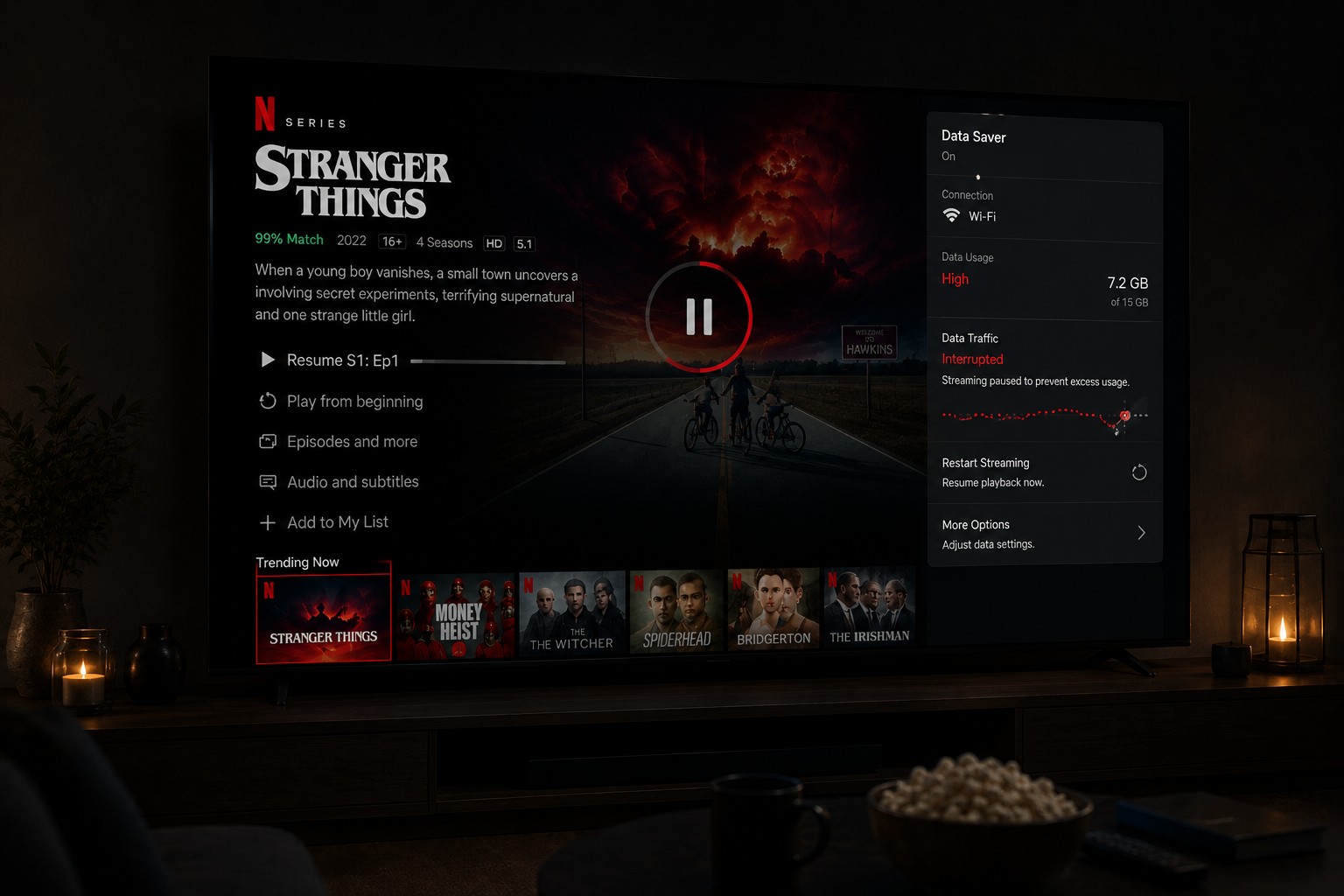
Problems begin when incoming data slows down.
If the player consumes data faster than the network delivers it, the buffer shrinks.
Eventually the buffer becomes too small to maintain stable playback.
At this point:
- Playback pauses
- The image freezes
- Netflix waits for new data
This is the moment users experience a freeze.
The system is essentially trying to rebuild a safe playback reserve.
Packet timing and playback stability
Streaming depends heavily on timing consistency.
Netflix expects video packets to arrive in a smooth predictable rhythm.
If packet timing changes suddenly:
- Playback timing becomes unstable
- Buffer calculations fail
- The adaptive system reacts aggressively
This creates freezing behavior.
Streaming is less about maximum speed and more about predictable delivery timing.
Jitter and unstable delivery
Jitter is one of the biggest hidden causes of random freezing.
Jitter means packet arrival timing keeps changing.
For example:
- One packet arrives instantly
- The next arrives late
- The next arrives very quickly
This unstable rhythm disrupts streaming playback.
Netflix tries to compensate by adjusting quality and buffer behavior.
If jitter becomes severe enough, freezing appears.
Packet loss and retransmission delays
Sometimes packets disappear entirely during transmission.
This is called packet loss.
When packet loss occurs, the system requests retransmission.
Retransmissions introduce delays.
Enough packet loss creates:
- Playback pauses
- Frozen frames
- Temporary app hangs
- Buffer collapse
Packet loss often becomes worse on unstable WiFi networks.
Why WiFi often causes random freezing
WiFi is one of the least predictable parts of the streaming chain.
Even strong WiFi signals can suffer:
- Interference
- Channel congestion
- Reflection
- Packet collisions
- Timing instability
Streaming reacts badly to these fluctuations.
This is why Netflix may freeze randomly on WiFi but work smoothly on Ethernet.
Ethernet is usually not dramatically faster.
It is simply more stable.
Adaptive streaming reactions
Netflix constantly monitors playback conditions.
When instability appears, the adaptive streaming system reacts automatically.
It may:
- Lower bitrate
- Reduce resolution
- Increase buffering behavior
- Pause playback temporarily
Sometimes these adjustments happen too slowly to fully prevent freezing.
This is especially common during sudden network fluctuations.
How devices contribute to freezing
Streaming freezes are not always network related.
Sometimes the device itself becomes the bottleneck.
Older smart TVs often struggle with:
- Modern codecs
- 4K HDR decoding
- Memory management
- Heavy app interfaces
When the processor cannot keep up:
- Frames are delayed
- Decoding stalls
- The app becomes unstable
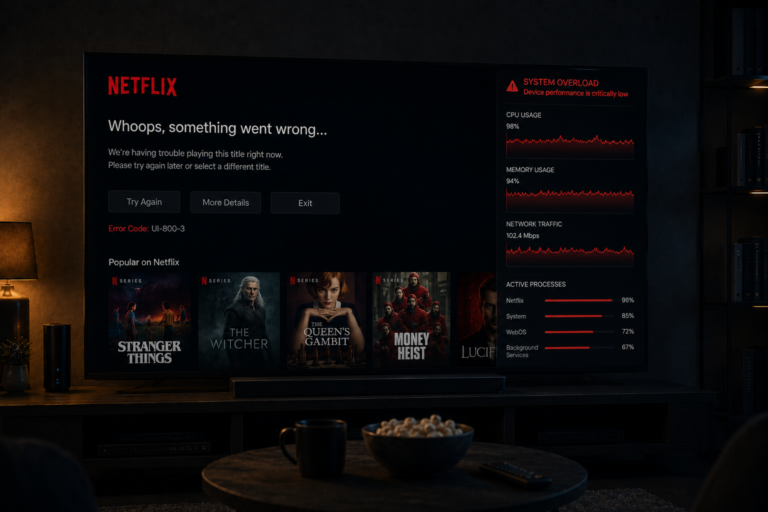
This creates freezing that feels network related even though the issue is hardware performance.
Memory pressure and app instability
Smart TVs often have limited RAM.
Netflix apps consume significant memory during playback.
Over time:
- Memory fragmentation increases
- Background apps remain active
- Cached data accumulates
This can destabilize playback.
Random freezing sometimes comes from memory exhaustion rather than internet issues.
This is especially common on older TVs.
Why freezing becomes worse at night
Many users notice freezing increases during evenings.
This is because nighttime creates:
- Higher congestion
- More WiFi interference
- Greater ISP traffic pressure
- Higher Netflix server demand
All these factors increase instability.
As instability rises, freezing becomes more likely.
The issue is usually not one catastrophic failure.
It is many small timing problems accumulating together.
TV overheating and performance throttling
Some smart TVs reduce performance when internal temperatures rise.
This is called thermal throttling.
During long streaming sessions:
- Processors heat up
- Performance drops
- Decoding slows down
This can create:
- Lag
- Frozen frames
- Temporary playback pauses
Users often blame Netflix while the TV hardware itself is struggling under sustained load.
A real world freezing example
Imagine someone streaming Netflix on an older smart TV over busy evening WiFi.
The network experiences:
- Congestion
- Jitter
- Minor packet loss
At the same time:
- The TV processor struggles with HDR decoding
- Background apps consume memory
- The buffer shrinks repeatedly
Eventually playback freezes.
The user thinks:
“Netflix randomly froze.”
But technically the freeze was caused by multiple small instabilities interacting together.
| Factor | Technical Effect | Visible Result |
|---|---|---|
| Jitter | Unstable packet timing | Playback instability |
| Packet loss | Retransmission delays | Freezing |
| WiFi interference | Signal inconsistency | Buffer collapse |
| Weak device CPU | Slow decoding | Frozen frames |
| Memory pressure | App instability | Playback pauses |
| Peak hour congestion | Bandwidth instability | Buffering and freezes |
| Thermal throttling | Reduced performance | Random playback stalls |
Reality Check
Netflix freezing is rarely caused by one simple issue. Streaming stability depends on precise timing, stable buffering, device performance, network consistency, and uninterrupted packet delivery across the entire playback chain.
Final Verdict
Netflix streams freeze randomly because streaming is an extremely timing sensitive process. Buffer stability, packet timing, WiFi consistency, device decoding power, congestion, memory pressure, and adaptive streaming behavior all interact continuously in real time. Freezing usually happens when several small instabilities combine together and overwhelm the playback system. The issue is rarely raw internet speed alone. It is the stability of the entire streaming chain that determines whether playback remains smooth.
FAQ
| Question | Answer |
|---|---|
| Why does Netflix freeze randomly | Usually because of unstable delivery timing or buffering collapse |
| Can WiFi cause freezing | Yes because WiFi instability affects packet timing |
| Does fast internet prevent freezing | No because streaming depends on stability more than speed |
| Can smart TVs cause freezing | Yes especially older TVs with weak processors or memory |
| Why does Netflix freeze more at night | Because congestion and network instability increase during peak hours |