Sky Go Playback Error on Windows 11 Fix Guide
Estimated reading time: 18 minutes.
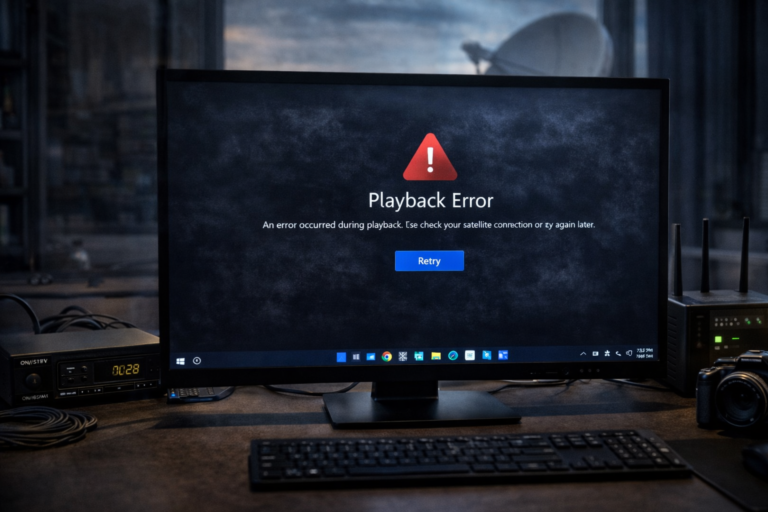
Playback errors in Sky Go on Windows 11 can interrupt streaming even when the application appears to function normally. A viewer selects a channel or programme, the player loads, and then an error message appears instead of video playback. These errors can happen at different stages of the streaming process depending on which component of the system encounters a problem.
Unlike buffering or login problems, playback errors usually occur after the application has successfully authenticated and attempted to start the video stream. This means the issue often lies within the streaming pipeline itself. Understanding how the Sky Go playback chain operates helps identify the real cause behind these interruptions.
Quick Context
This guide explains why Sky Go playback errors can appear on Windows 11 and how network stability video decoding system performance and streaming initialization influence playback reliability.
- What a playback error message means
- How Sky Go streaming begins
- Network stability and playback initialization
- Buffer creation and stream loading
- Video decoding and system performance
- Graphics processing and rendering
- Why some channels trigger playback errors
- Temporary service or server interruptions
- Practical steps to diagnose playback errors
- Typical playback error scenarios
- Reality Check
- Final Verdict
- Frequently Asked Questions
What a playback error message means
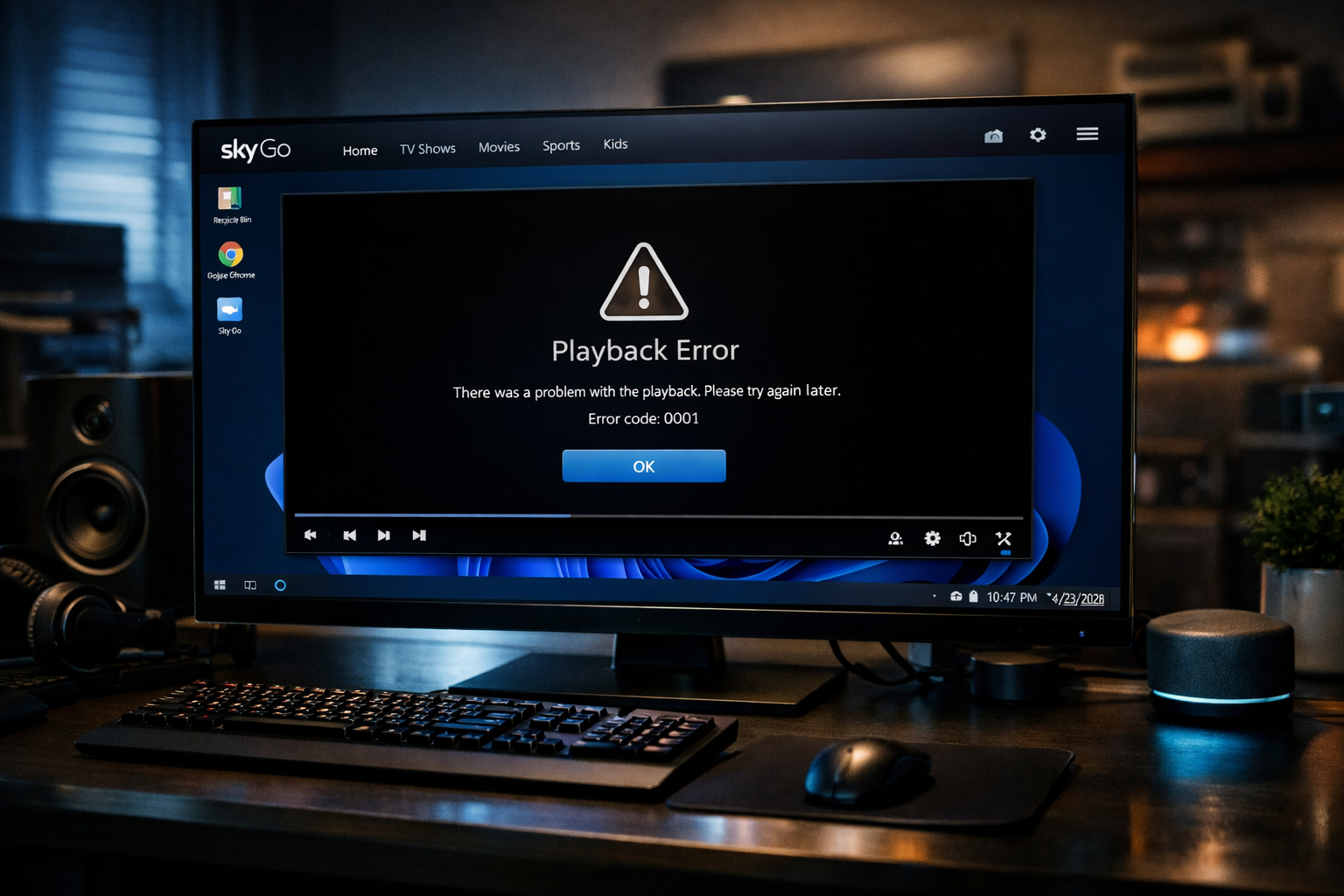
When Sky Go displays a playback error, it means the streaming player could not successfully start or maintain the video stream. The application itself remains active, but the media stream cannot be decoded or displayed.
This error can occur during the moment when the player requests the first segments of the stream, or slightly later when the video decoding process begins.
Unlike buffering, which indicates slow data delivery, playback errors typically represent a failure somewhere in the streaming pipeline.
The source of the issue may involve the network, the playback engine, or system level video processing.
How Sky Go streaming begins
When a viewer selects content on Sky Go, the application first confirms account access rights. After authentication succeeds, the player requests the media playlist from the streaming servers.
This playlist contains information about available video segments and quality levels. The player then begins downloading small segments of the video stream.
Before playback starts, the player prepares a short buffer of video data to ensure smooth playback. If the initial segments fail to load correctly, the player may trigger a playback error message.
Therefore many playback errors appear during the earliest stage of the streaming process.
Network stability and playback initialization
A stable network connection is essential when the player begins loading the stream. Even brief interruptions during the initial data request can cause the player to fail before playback begins.
Packet loss, sudden latency spikes, or short connectivity interruptions may prevent the player from receiving the first segments of the stream.
Because the player cannot start without these initial segments, it may display a playback error instead of retrying continuously.
This is why playback errors sometimes appear even when internet speed tests show good performance.
Buffer creation and stream loading
Before video appears on screen, the Sky Go player creates a small playback buffer. This buffer contains a few seconds of video data stored locally in memory.
If the player fails to download enough segments to build the initial buffer, playback cannot begin. In this situation the player may display an error rather than an empty player window.
Buffer creation problems often occur when the connection becomes unstable during the first moments of playback.
Once playback has started successfully, the system usually becomes more tolerant of minor network fluctuations.
Video decoding and system performance
After the video segments arrive, the system must decode them before displaying the frames on screen. This process requires computing resources from the CPU or graphics processor.
If the system struggles to decode the incoming video stream, the playback engine may stop responding correctly. In some cases the player displays a playback error instead of attempting to continue.
High resolution streams require more processing power, which can affect older computers or systems under heavy load.
Ensuring the system has adequate resources helps maintain stable video decoding performance.
Graphics processing and rendering
After decoding, the video frames must be rendered through the graphics system. Graphics drivers and hardware acceleration influence how smoothly this process works.
If the rendering pipeline fails, the player may interpret the situation as a playback failure. In such cases the video never appears even though the application is running normally.
Graphics driver stability therefore plays an important role in overall streaming reliability.
Many playback problems originate in this stage of the streaming pipeline.
Why some channels trigger playback errors
Different channels may use different encoding profiles, resolutions, or bitrates. While modern systems can decode most formats efficiently, certain combinations may require more processing resources.
If the system cannot decode a specific stream reliably, playback errors may occur only on certain channels while others function normally.
This does not necessarily indicate a service issue but rather a difference in the complexity of the video stream.
Observing whether the problem affects all channels or only specific ones can help identify the source of the issue.
Temporary service or server interruptions
Occasionally playback errors may originate from temporary server side issues. Streaming platforms distribute video through multiple servers to ensure stable delivery.
If the player attempts to connect to a server experiencing temporary overload or maintenance activity, the stream request may fail.
These situations are usually short lived and resolve automatically once the connection is redirected to another streaming node.
Because modern streaming systems are distributed across many servers, such interruptions are typically brief.
Practical steps to diagnose playback errors
The first step when diagnosing playback errors is to determine whether the issue appears immediately when playback starts or after several seconds.
Immediate errors often indicate problems with stream initialization or network communication. Errors appearing later may relate to decoding or system resource limitations.
Observing whether the issue occurs across all channels or only certain programmes can also help identify whether decoding complexity is involved.
Systematically observing playback behavior often reveals the underlying cause of the problem.
Typical playback error scenarios
| Scenario | Possible cause | Recommended check |
|---|---|---|
| Playback error appears immediately | Stream initialization failure | Check network stability |
| Error occurs on specific channels | High decoding workload | Observe system performance |
| Error appears during live streams | Network fluctuation | Monitor connection stability |
| Video fails after loading player | Graphics rendering issue | Review graphics drivers |
Reality Check
Most Sky Go playback errors on Windows 11 originate from temporary streaming interruptions or local system limitations rather than a complete service failure.
Final Verdict
Final Verdict
Playback errors in Sky Go on Windows 11 occur when the streaming pipeline fails to initialize or process the incoming video stream. Network instability, decoding limitations, graphics rendering issues, or temporary server conditions can all influence this stage of playback. Understanding how the streaming chain operates allows viewers to identify the real cause and restore reliable playback.
Frequently Asked Questions
| Question | Answer |
|---|---|
| Why does Sky Go show a playback error on Windows 11 | Playback errors usually occur when the video stream fails to initialize or decode correctly. |
| Can internet problems cause playback errors | Yes. Network interruptions during stream initialization can prevent playback from starting. |
| Why do some channels work while others fail | Different channels may use more demanding video encoding which requires greater system resources. |
| Does graphics hardware affect playback reliability | Yes. Graphics drivers and hardware acceleration influence how efficiently video frames are rendered. |