Why Sky Italia Streams Lag Even With Fast Internet Connections
Estimated reading time: 10 to 12 minutes.
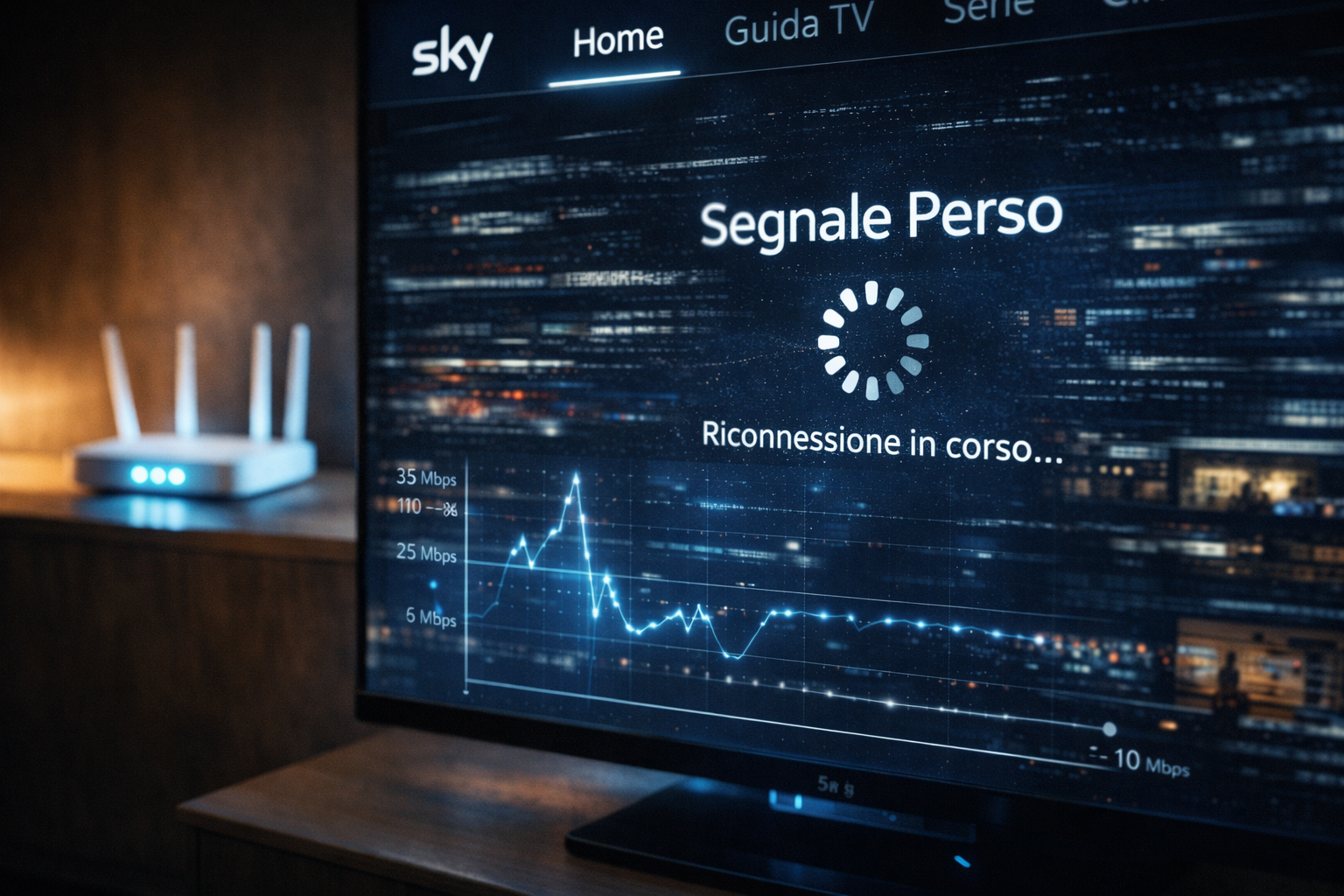
One of the most confusing problems for users is when Sky Italia starts lagging even though the internet speed looks more than enough. Speed tests show high numbers. Downloads work fine. Other apps seem normal. Yet the stream pauses, buffers, or falls behind. This creates a false assumption that something is wrong with the service itself.
The reality is different. Streaming performance does not depend on speed alone. It depends on timing, consistency, and how data flows continuously from servers to your device. Even a fast connection can behave poorly if it is unstable, delayed, or interrupted in small bursts. To fix lag properly, you need to understand what is happening behind the scenes.
Quick Context. Sky Italia lag happens when data does not arrive consistently, even if overall speed is high. Factors like latency, WiFi instability, buffering limits, and device decoding all affect playback performance more than raw internet speed.
Table of Contents
Why internet speed alone is not enough
The role of latency in streaming lag
Network instability and micro interruptions
Why WiFi causes hidden lag problems
Device limitations and decoding delays
Why internet speed alone is not enough
Most users rely on speed tests to judge their connection. While these tests measure maximum throughput, they do not reflect how stable the connection is over time. Streaming requires a steady flow of data, not just high peak performance.
A connection may deliver high speeds in short bursts but still suffer from fluctuations. These fluctuations can interrupt the flow of video segments. When that happens, the playback buffer cannot refill fast enough, leading to lag or buffering.
This is why two users with similar speeds can have very different experiences. The difference lies in consistency, not just capacity.
The role of latency in streaming lag
Latency refers to the delay between sending a request and receiving a response. In streaming, your device constantly requests video segments. If these requests take too long, playback falls behind.
High latency does not always show in speed tests. A connection can be fast but still have delayed responses. This delay becomes visible during live content, where the stream may lag behind real time events.
Latency also affects how quickly the system can recover from interruptions. A low latency connection can refill buffers faster. A high latency connection struggles to keep up, even if bandwidth is available.
How buffering actually works
Buffering is designed to protect playback. The player stores a small amount of video ahead of time. If data delivery slows briefly, playback continues using this stored content.
However, if delays persist, the buffer empties. When that happens, playback pauses until enough data is received again. This is what users see as lag or buffering.
Some systems use smaller buffers to reduce delay. Others use larger buffers to improve stability. This balance affects how noticeable lag becomes during unstable conditions.
Network instability and micro interruptions
One of the most important factors in lag is micro interruption. These are very short disruptions in data flow that may last only milliseconds. They are often invisible to basic tests but have a strong impact on streaming.
When these interruptions happen repeatedly, the stream struggles to maintain continuity. Even though the connection is fast overall, the timing becomes inconsistent. This leads to stutter, delay, or sudden drops in quality.
Micro interruptions can come from router load, ISP routing behavior, or local network congestion. Identifying them requires observing patterns rather than relying only on speed numbers.
Why WiFi causes hidden lag problems
WiFi adds another layer of variability. Signal strength may appear strong, but interference from other networks, walls, or devices can affect performance. These effects are not always visible but can disrupt continuous streaming.
Wireless networks also share bandwidth among multiple devices. When several devices are active, the available capacity for streaming changes dynamically. This can introduce delays even if the total connection speed is high.
Switching to Ethernet often improves stability because it removes these wireless factors. This does not increase speed, but it makes delivery more consistent.
Device limitations and decoding delays
Lag is not always caused by the network. The device itself may struggle to process incoming data. Streaming requires decoding compressed video in real time. This process depends on hardware capability.
Older devices may experience delays in decoding frames. This creates stutter or lag even when data arrives correctly. Memory limitations can also affect buffer management, leading to playback instability.
Different devices handle streaming differently. A modern streaming box may perform better than an older smart TV using the same connection.
Adaptive bitrate and quality switching
Streaming systems adjust quality based on network conditions. This is known as adaptive bitrate. When the connection becomes unstable, the system lowers quality to maintain playback.
This adjustment can create temporary lag or visual changes. Users may notice the image becoming less sharp or pausing briefly during transitions.
Adaptive bitrate helps prevent complete interruptions, but it cannot eliminate lag if instability continues. It is a balancing mechanism, not a complete solution.
How to diagnose lag correctly
Start by checking whether the lag occurs on all devices. If only one device is affected, the issue is likely related to that device or its connection path. If multiple devices show the same problem, the network becomes the main suspect.
Test different connection methods. If WiFi shows lag but Ethernet does not, the problem is clearly related to wireless conditions. This is one of the most reliable ways to isolate the cause.
Observe when the lag occurs. If it happens during peak hours, network congestion may be involved. If it happens after long usage, device performance may be the issue.
Restarting components can also help. Restarting the app, device, and router clears temporary issues and resets connections.
| Cause | Technical Effect | Visible Symptom | Best Action |
|---|---|---|---|
| High latency | Delayed data delivery | Stream delay and lag | Check network routing and stability |
| Unstable bandwidth | Interrupted data flow | Buffering and pauses | Test connection consistency |
| WiFi interference | Packet loss and delay | Random stutter | Move closer to router or use Ethernet |
| Device limitation | Slow decoding | Frame drops | Use a more capable device |
| Adaptive bitrate changes | Quality switching | Temporary lag | Improve connection stability |
Reality Check
Lag is rarely caused by one simple issue. It is usually the result of multiple small factors interacting together. A fast connection alone cannot guarantee smooth streaming. Stability, latency, and device capability all play a role in the final experience.
Final Verdict
Sky Italia streaming lag happens because streaming depends on continuous, stable data delivery rather than raw speed. Latency, network consistency, WiFi behavior, and device processing all influence performance. Understanding these factors allows you to diagnose and fix lag more effectively instead of relying on speed tests alone. In streaming systems, smooth playback is achieved through balance across the entire chain.
FAQ
| Question | Answer |
|---|---|
| Why does Sky Italia lag even with fast internet | Because streaming depends on stability and latency, not just speed. |
| Does WiFi affect streaming lag | Yes. WiFi can introduce interference and instability that cause lag. |
| Can my device cause lag | Yes. Older or slower devices may struggle to decode video smoothly. |
| What is the best way to reduce lag | Use a stable connection, reduce interference, and ensure your device performs well. |
| Is buffering the same as lag | No. Buffering is a pause to load data, while lag is a delay in playback timing. |