Sky Italia Streaming Quality Drops Explained Signal vs Network Reality
Estimated reading time: 10 to 12 minutes.
One of the most confusing experiences in Sky Italia streaming is when video quality suddenly drops. The image becomes less sharp, details disappear, and the stream may look compressed or blurry. Many users assume this is similar to weak signal issues in satellite TV, but the reality is very different.
In streaming systems, quality is not fixed. It changes dynamically based on network conditions, device behavior, and delivery timing. What looks like a signal problem is often a network adjustment happening in real time. Understanding this difference helps explain why quality drops happen and how to reduce them.
Quick Context. Sky Italia streaming quality drops are caused by adaptive bitrate systems reacting to network instability, latency, and delivery speed. Unlike satellite, quality depends on data flow consistency rather than signal strength.
Table of Contents
Why streaming quality changes dynamically
Network instability and quality drops
Latency impact on visual quality
WiFi and local network effects
Device role in perceived quality
Why streaming quality changes dynamically
In satellite systems, video quality remains stable as long as the signal is strong and properly aligned. In streaming systems, quality is not constant. It is adjusted continuously based on how well data is delivered.
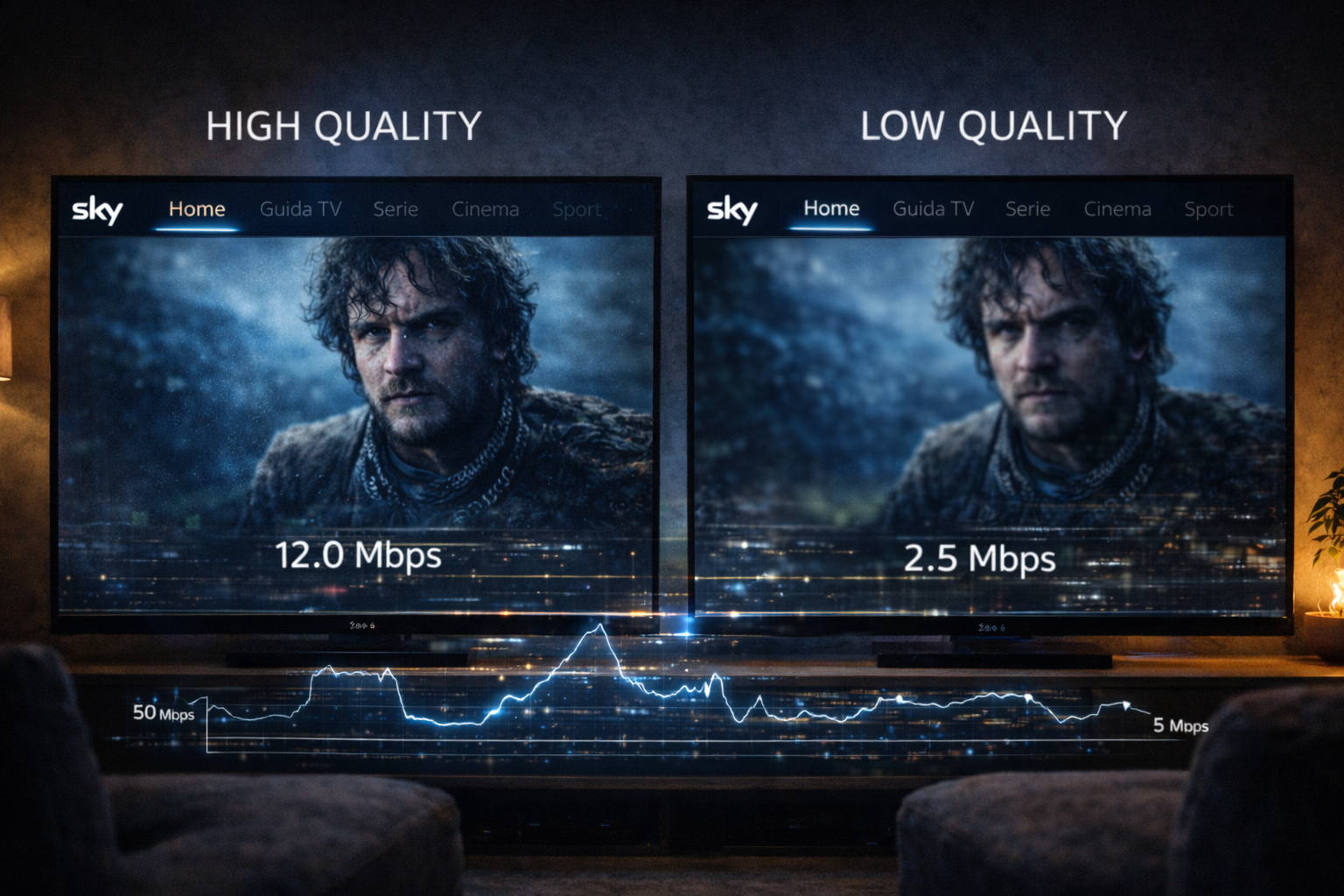
This means the system is always evaluating network conditions. If data arrives quickly and consistently, high quality video is used. If delivery slows down or becomes unstable, the system reduces quality to maintain playback.
This adjustment happens automatically and often without the user noticing immediately. It is a core feature of streaming technology.
Signal vs network reality
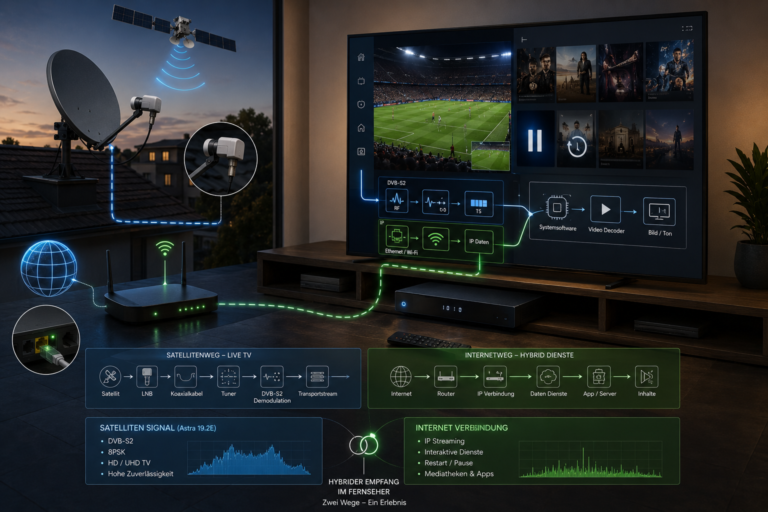
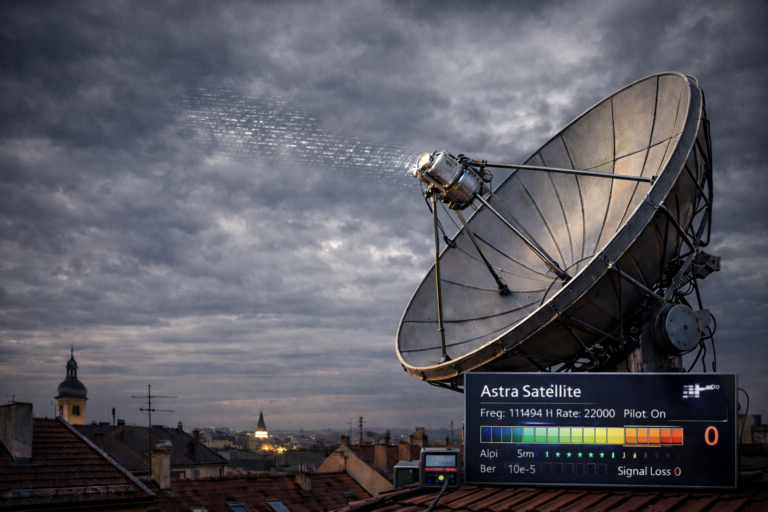
Many users compare streaming quality drops to weak signal problems. In satellite reception, weak signal leads to pixelation or loss of picture. The cause is physical and related to reception conditions.
In streaming, the issue is not signal strength. It is data delivery. There is no direct RF signal to measure. Instead, performance depends on how data moves through the network.
This is why improving dish alignment does nothing for streaming quality. The system operates entirely differently. The key factor is network behavior, not signal strength.
How adaptive bitrate works
Adaptive bitrate is the system that controls quality changes. It allows the player to switch between different quality levels depending on current conditions.
When the connection is stable, the system selects higher bitrate streams. These provide better image quality but require more data. When conditions worsen, it switches to lower bitrate streams to reduce the risk of interruption.
This switching happens in real time. The goal is to keep playback smooth rather than maintain maximum quality at all times.
Users may notice sudden drops in clarity followed by gradual improvement. This is the system reacting to changing conditions.
Network instability and quality drops
Network instability is the main reason for quality changes. Even small fluctuations in data delivery can trigger adjustments.
Streaming requires consistent flow. If data arrives too slowly or irregularly, the system lowers quality to match the available capacity.
These fluctuations may not affect other internet activities. Browsing and downloads can tolerate delays. Streaming cannot. It depends on continuous timing.
This is why quality drops can occur even when the connection appears fast.
Latency impact on visual quality
Latency affects how quickly data is delivered. High latency can delay segment arrival, forcing the system to reduce quality.
Even if bandwidth is sufficient, delayed responses can disrupt the flow. The system reacts by lowering bitrate to maintain continuity.
Latency also affects recovery. A low latency connection can return to higher quality quickly. A high latency connection may stay at lower quality longer.
WiFi and local network effects
WiFi introduces additional challenges. Interference, distance, and congestion all affect data delivery.
Multiple devices sharing the same network can reduce available bandwidth. This leads to changes in streaming quality.
Signal strength indicators on devices do not always reflect stability. A strong signal can still have inconsistent performance.
Using Ethernet reduces these variables and often stabilizes quality.
Device role in perceived quality
The device also affects how quality is displayed. It must decode video and render frames correctly.
If the device struggles with processing, it may appear as a quality issue. In reality, the data may be correct, but the device cannot display it smoothly.
Screen resolution and display settings also influence perception. A lower resolution device may show less detail even when the stream is high quality.
This means quality perception is influenced by both network and device factors.
How to diagnose quality issues
Start by observing when quality drops occur. If it happens during peak hours, network congestion may be the cause.
Test different devices. If one device shows better quality, device performance is a factor.
Switch from WiFi to Ethernet. If quality stabilizes, wireless conditions were affecting performance.
Check for consistent patterns. Random drops may indicate instability, while predictable drops may point to specific conditions.
Understanding patterns is key to identifying the cause.
| Factor | Technical Effect | Visible Result | Recommended Action |
|---|---|---|---|
| Adaptive bitrate | Quality adjustment | Resolution changes | Improve network stability |
| Network instability | Inconsistent delivery | Frequent quality drops | Test connection consistency |
| High latency | Delayed segments | Reduced clarity | Check routing and delay |
| WiFi congestion | Shared bandwidth | Variable quality | Use Ethernet |
| Device limitation | Processing delay | Perceived blur | Use better hardware |
Reality Check
Streaming quality drops are not failures in the traditional sense. They are adjustments made by the system to maintain playback. The system prioritizes continuity over maximum quality, which is why changes occur under unstable conditions.
Final Verdict
Sky Italia streaming quality drops are driven by network reality, not signal strength. Adaptive bitrate systems respond to changes in data delivery to keep playback stable. Understanding this behavior helps users focus on improving network stability and device performance rather than expecting fixed quality. In streaming, consistent delivery is the foundation of visual clarity.
FAQ
| Question | Answer |
|---|---|
| Why does Sky Italia quality drop suddenly | Because the system adjusts quality based on network conditions. |
| Is this related to signal strength | No. Streaming quality depends on network performance, not RF signal. |
| Does fast internet prevent quality drops | No. Stability and latency matter more than speed. |
| Can WiFi cause quality issues | Yes. WiFi instability can lead to fluctuating quality. |
| How can I improve streaming quality | Use a stable connection, reduce interference, and ensure your device performs well. |