Sky TV Buffering on Laptop Explained
Estimated reading time: 12 minutes.
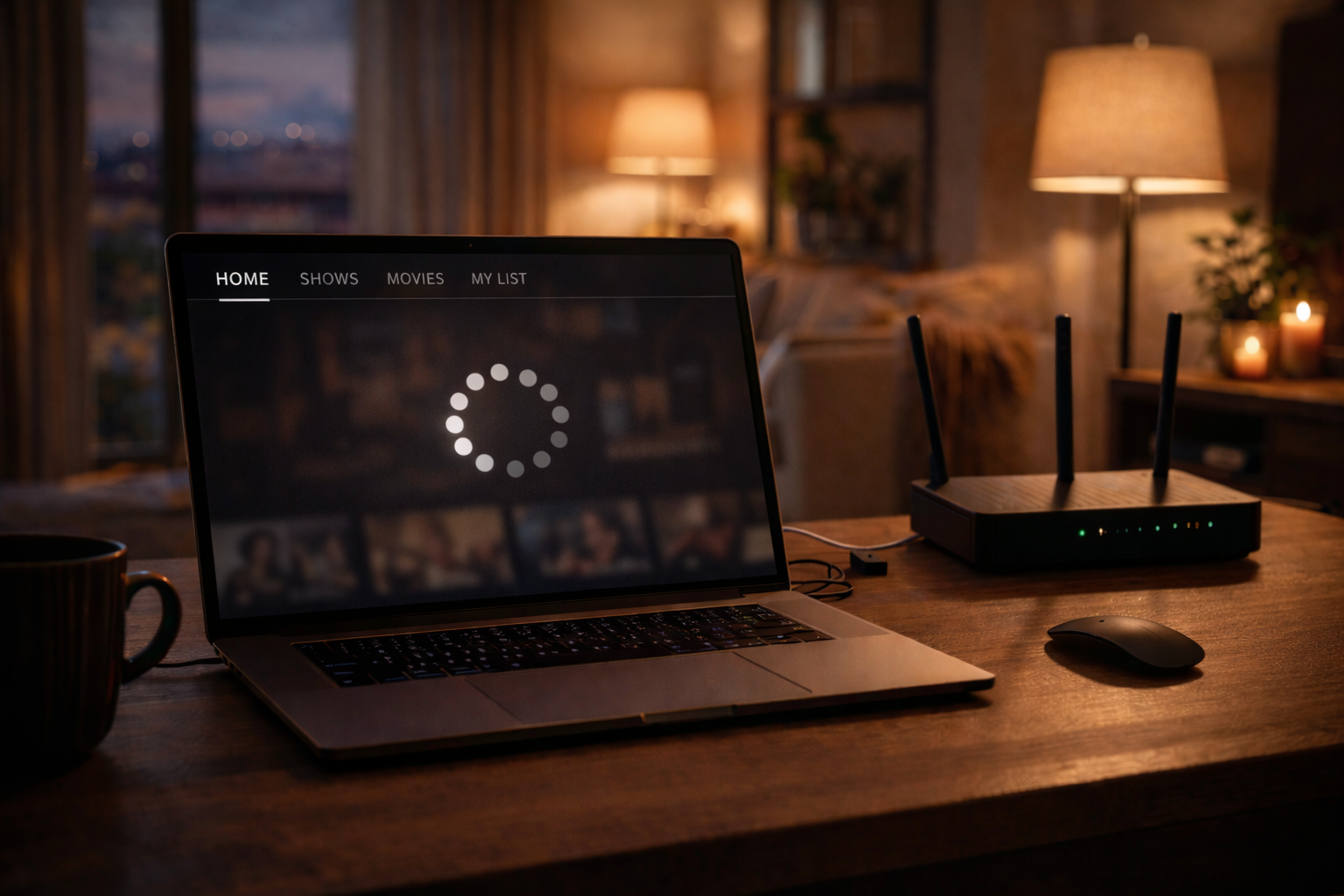
Sky TV buffering on a laptop can quickly ruin the viewing experience. The video pauses, the loading circle appears, and playback becomes unstable. In most cases, buffering is not a service failure but a performance issue.
Streaming depends on a steady flow of data. If your internet speed fluctuates or your laptop struggles to process video smoothly, buffering appears. Understanding why this happens makes it much easier to fix.
Quick Context
This article explains why Sky TV buffers on laptops in 2026 and outlines practical steps to improve streaming stability and reduce interruptions.
Internet speed limitations
Streaming video requires consistent download speed. If the connection drops below the required level, buffering begins.
Testing your internet speed can quickly reveal whether bandwidth is sufficient.
WiFi signal strength and interference
Weak WiFi signals reduce streaming stability. Distance from the router or physical obstacles can interrupt data flow.
Moving closer to the router or using a wired connection can improve reliability.
Network congestion at home
When multiple devices stream or download at the same time, available bandwidth is divided. This leads to slower video loading.
Reducing simultaneous heavy usage can stabilize playback.
Laptop performance factors
Older laptops may struggle with high definition streaming. Limited memory or processor power increases buffering risk.
Closing background applications frees system resources and improves playback.
Browser and cache related delays
Overloaded browser cache can slow down video loading. Outdated browser versions may also reduce performance.
Clearing cache and updating the browser often improves streaming stability.
Automatic video quality adjustments
Streaming systems automatically lower video quality when speed drops. This prevents complete interruption but may still cause short buffering pauses.
Maintaining stable internet speed allows the player to hold consistent quality.
Buffering troubleshooting overview
| Buffering Cause | Impact on Streaming | Recommended Action |
|---|---|---|
| Slow internet speed | Frequent pauses | Test speed and restart router |
| Weak WiFi signal | Unstable playback | Move closer to router |
| Network congestion | Reduced bandwidth | Limit heavy downloads |
| Low device memory | Video lag | Close unused applications |
| Outdated browser | Player instability | Update browser and clear cache |
Reality Check
Buffering is usually linked to internet instability or device performance rather than service failure. Simple technical adjustments often restore smooth playback within minutes.
Final Verdict
Final Verdict
Sky TV buffering on laptops in 2026 is most often caused by unstable connections or limited device performance. Improving network stability and reducing background load are the most effective ways to maintain smooth streaming.
Frequently Asked Questions
| Question | Answer |
|---|---|
| Why does Sky TV buffer even with fast internet | Buffering can still occur due to WiFi interference or network congestion. |
| Does using a wired connection reduce buffering | Yes, wired connections provide more stable data flow than WiFi. |
| Can background apps cause buffering | Yes, heavy background applications reduce available system resources. |
| Is buffering a permanent problem | No, most buffering issues are temporary and related to performance factors. |