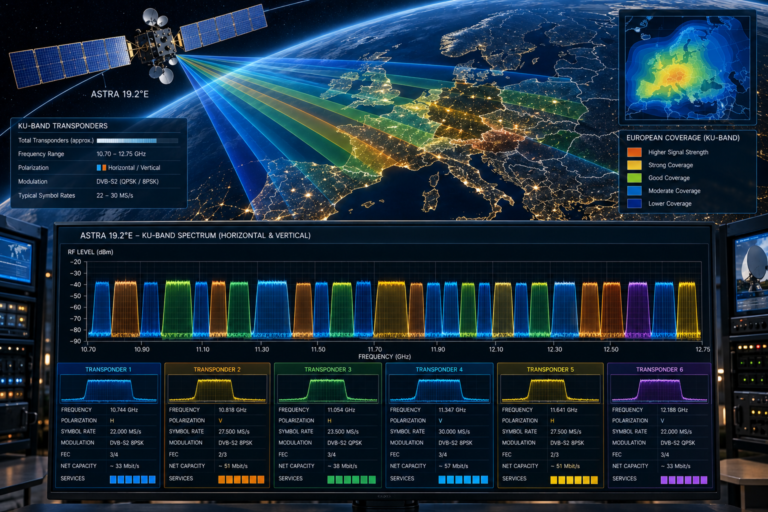
Why German Channels Freeze Astra 19.2 Explained
Estimated reading time: 14 minutes.
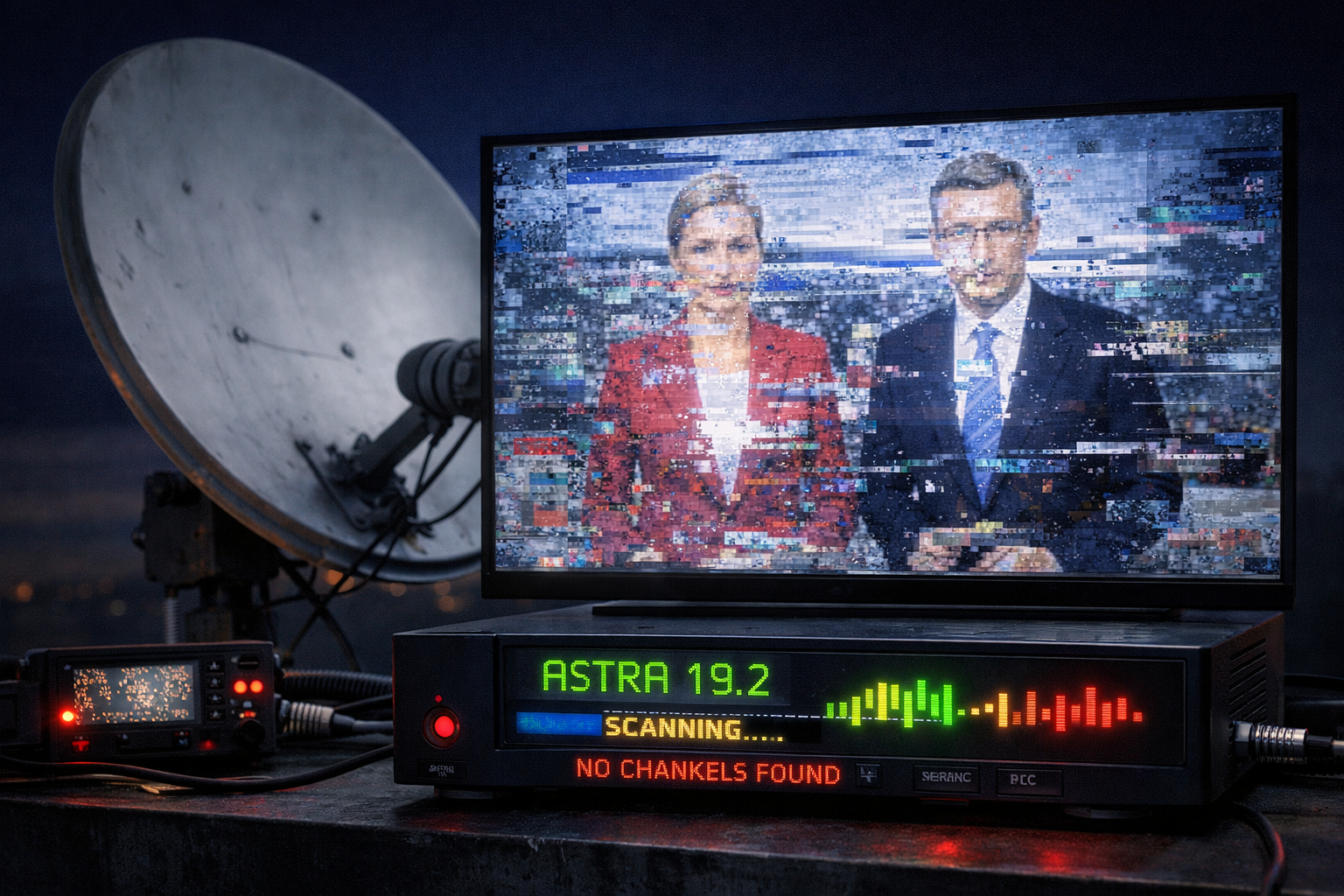
Freezing on German channels while watching Astra 19.2 is one of the most frustrating problems users face. The picture stops, breaks into blocks, or pauses while audio may continue or disappear. This is not a random issue. It is a direct result of how digital satellite signals behave under unstable conditions.
To fix freezing problems correctly, you need to understand what is happening inside the signal chain. Freezing is not just weak signal. It is a decoding problem caused by instability in the data stream. Once you understand why this happens, you can fix it without trial and error.
Freezing occurs when the receiver cannot continuously decode the signal stream. This is usually caused by low signal quality, unstable transponder lock, interference, or hardware limitations.
- What freezing really means in satellite signals
- Signal quality and decoding stability
- Transponder behavior and grouped freezing
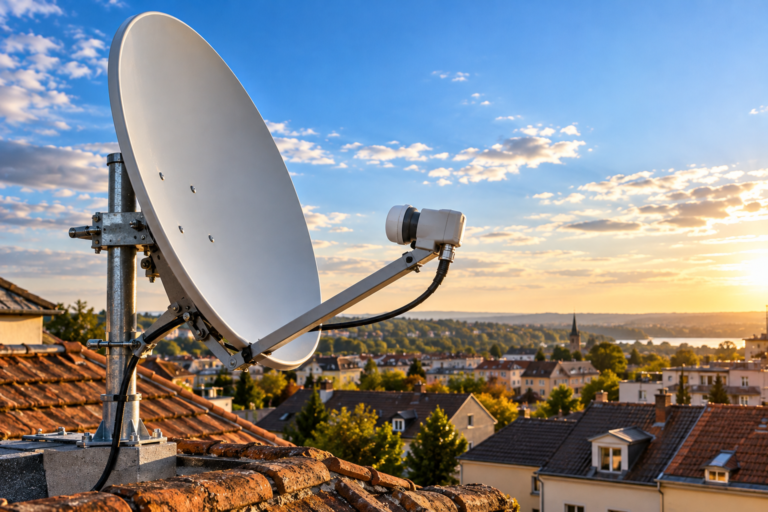
- Dish alignment impact on freezing
- LNB noise and frequency instability
- Receiver decoding limitations
- Weather impact on signal stability
- Analytical freezing diagnosis table
- Step by step fix guide
- FAQ
What freezing really means in satellite signals
Freezing is not the same as no signal. It happens when the receiver receives data but cannot process it continuously. The signal is present, but unstable.
Digital TV relies on constant data flow. If packets are lost or corrupted, the receiver cannot rebuild the video correctly. This results in freezing, pixelation, or stuttering.
This is why freezing often appears before total signal loss. It is an early warning of signal instability.
Signal quality and decoding stability
Signal quality is the main factor behind freezing. When quality drops below a stable threshold, decoding becomes unreliable.
The receiver tries to correct errors using built in error correction. When errors exceed the limit, the picture freezes.
This explains why freezing can occur even when signal strength looks acceptable.
Transponder behavior and grouped freezing
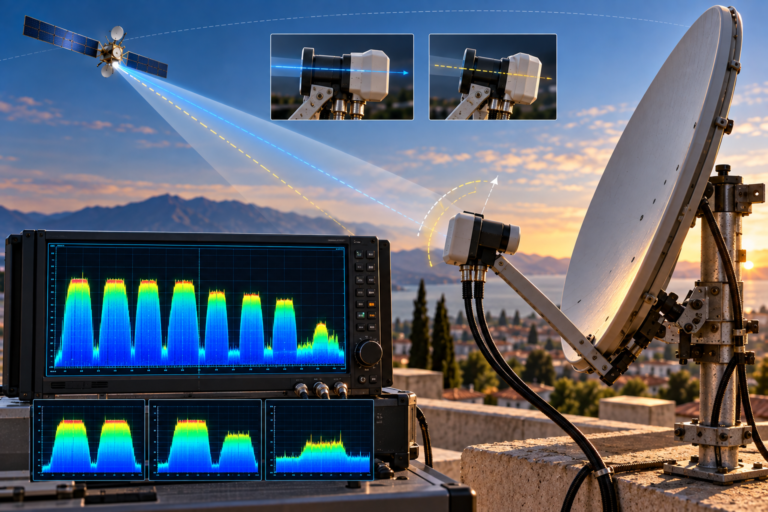
German channels are grouped inside transponders. If one transponder becomes unstable, all channels within it may freeze.
This creates a pattern where several channels freeze at the same time. It is not a coincidence. It reflects shared signal conditions.
Identifying these groups helps locate the source of the problem quickly.
Dish alignment impact on freezing
Small alignment errors reduce signal quality without completely losing the signal. This is one of the most common causes of freezing.
A slightly misaligned dish may still receive strong signals but struggle with weaker ones. This leads to intermittent freezing.
Fine tuning the dish position often resolves freezing issues immediately.
LNB noise and frequency instability
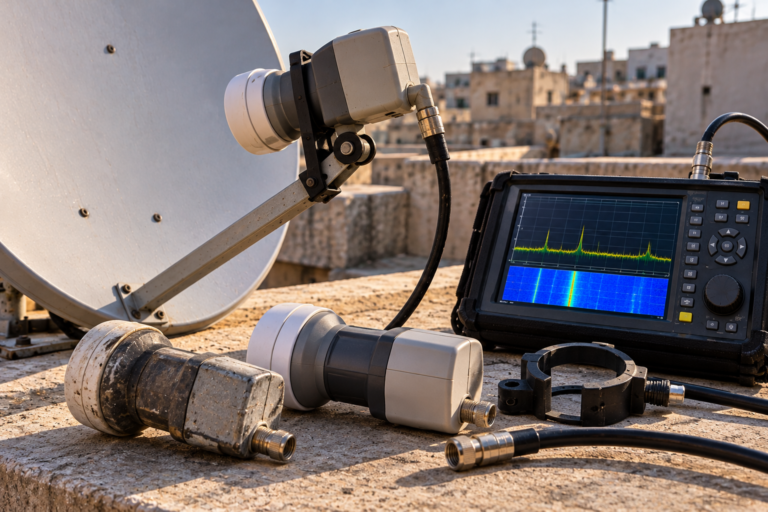
The LNB introduces noise into the signal. A high noise level reduces signal quality and increases decoding errors.
Older or damaged LNBs may also have unstable frequency conversion. This affects certain transponders more than others.
Replacing the LNB can significantly improve stability in many cases.
Receiver decoding limitations
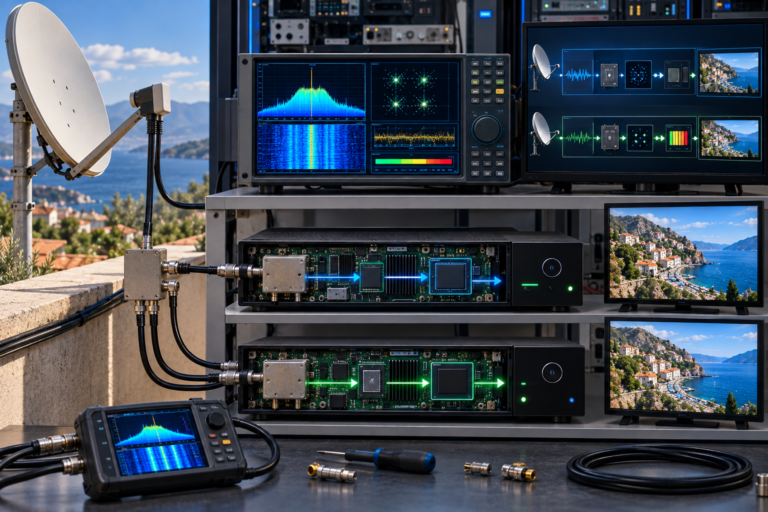
Receivers have different levels of sensitivity and processing power. Some handle weak signals better than others.
If the receiver cannot process the incoming data fast enough or accurately, freezing may occur even with a stable signal.
Testing with another receiver can help confirm this issue.
Weather impact on signal stability
Rain and heavy clouds reduce signal quality. This increases error rates and causes freezing.
Channels with lower signal margins are affected first. This creates uneven freezing across different channels.
Improving installation quality helps reduce weather related issues.
Analytical freezing diagnosis table
| Symptom | Cause | Meaning | Action |
|---|---|---|---|
| Channels freeze intermittently | Low signal quality | Decoding instability | Adjust dish |
| Group of channels freeze together | Transponder issue | Shared signal problem | Check alignment and LNB |
| Freezing during rain | Weak signal margin | Environmental impact | Improve setup |
| Freezing on HD channels only | Higher quality requirement | Low margin | Increase signal quality |
| Freezing on one receiver only | Receiver limitation | Hardware issue | Test another receiver |
Step by step fix guide
Start by checking signal quality on affected channels. Identify which ones are weaker.
Adjust the dish alignment carefully. Small movements can improve stability significantly.
Inspect the LNB and replace it if necessary.
Check cables and connectors for signal loss.
Test the system in clear weather conditions.
If freezing continues, test with another receiver to rule out hardware limitations.
Freezing is usually an early sign of signal instability, not a complete failure. Fixing it early prevents total signal loss later.
German channel freezing on Astra 19.2 is caused by unstable signal conditions. By focusing on signal quality, transponder behavior, and hardware performance, you can eliminate freezing and restore smooth playback.
FAQ
| Question | Answer |
|---|---|
| Why do channels freeze instead of disappearing | Because the signal is present but unstable for decoding. |
| Is freezing caused by weak signal | Yes, but specifically low signal quality, not just strength. |
| Can LNB cause freezing | Yes. Noise and instability can affect signal decoding. |
| Why do HD channels freeze more | They require higher signal quality. |
| Should I replace the receiver | Only after checking signal quality and installation. |