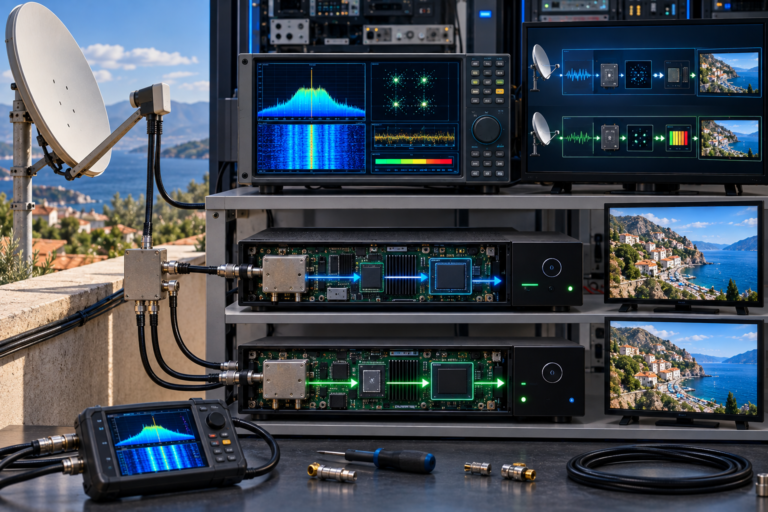
Why Hot Bird Channels Vanish After a Receiver Scan
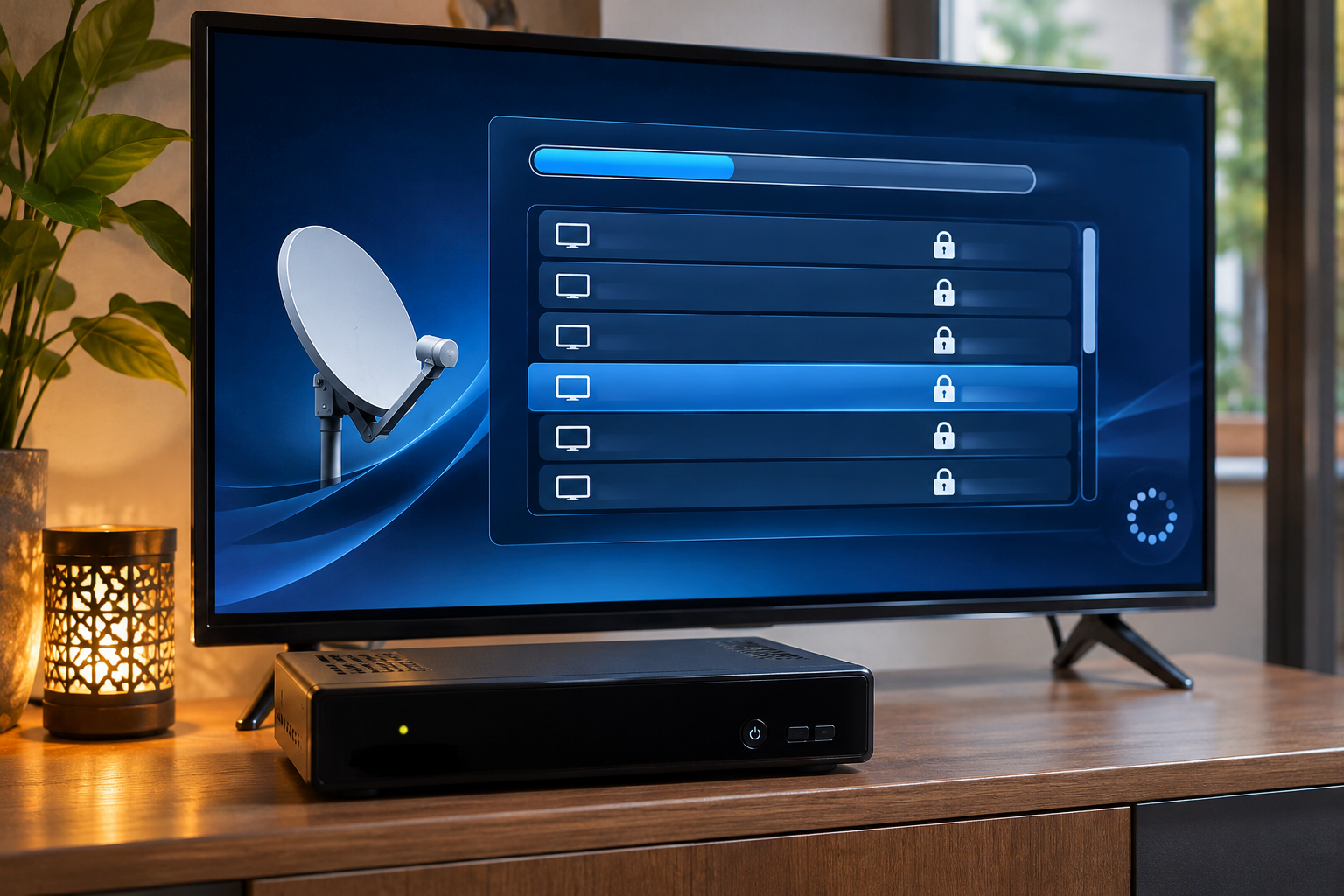
Your Hot Bird 13°E channels were working before you started a receiver scan. Minutes later, familiar stations have disappeared, your favorites no longer behave as expected, and the receiver may show fewer services than it did before. Nothing was changed on the dish, so how could searching for channels make existing ones vanish?
A satellite scan does more than look for new broadcasts. Depending on the receiver and its settings, it can update, replace, filter, or remove entries in the service database. Sometimes the channels are still available but have moved to another list. In other cases, the scan clears working entries and fails to rediscover them because the relevant transponder cannot be received. The essential distinction is whether the scan changed the channel database or exposed an existing reception problem.
Hot Bird 13°E carries television, radio, and other digital services distributed across multiple satellite transponders. A receiver stores information about those services in its channel database. Scanning updates that database according to the selected satellite, transponder information, scan filters, and software behavior. A channel disappearing after a scan does not automatically mean its satellite transmission has stopped.
What a Satellite Receiver Scan Actually Changes
When a satellite receiver scans Hot Bird, it attempts to acquire selected transponders and identify the services transmitted through them.
The resulting information is used to create or update entries in the receiver’s service database.
Depending on the scanning mode and firmware, this process may add new services, update existing ones, preserve older entries, or remove entries within the selected scanning scope.
That last possibility explains why a scan can apparently make the channel list smaller rather than larger.
Service Database Versus Actual Reception
A stored channel entry is essentially a set of information the receiver uses to locate and open a particular service.
It does not guarantee that the corresponding transmission is currently available.
A receiver can retain a channel entry even when its transponder is no longer receivable. Conversely, it can delete a valid entry while the satellite continues transmitting that service normally.
This is why channel-list changes must be investigated separately from RF reception.
Why Clear Before Scan Can Remove Working Channels
One of the most important settings to check is whether the receiver clears existing services before beginning a new scan.
Some Enigma2-based receivers expose an option commonly called Clear Before Scan.
Other receivers may use labels such as Delete Existing Channels, Replace Channel List, or similar wording.
The exact implementation and clearing scope vary by receiver and software version.
What Happens When Existing Services Are Cleared?
With a clearing option enabled, the receiver may remove stored service entries within the selected scan scope and rebuild the database from the services it discovers.
If the scan cannot acquire every required transponder, some previously stored channels may not be recreated.
For example, imagine the receiver previously contained services from several Hot Bird transponders.
The new scan successfully receives most of them but fails to lock one carrier because of an incorrect setting or existing RF problem.
Services carried on that transponder may disappear from the rebuilt database even though their entries existed before the scan.
Why Additive Scanning Is Often Safer
When the receiver supports adding or updating services without clearing the existing database, that approach can be useful for restoring a small number of missing channels.
However, additive scans may leave obsolete entries or duplicates.
They are not universally better than rebuilding the database. The appropriate option depends on whether the goal is preserving an existing list or replacing outdated information.
Before enabling any setting that removes existing channels, back up the receiver’s service database and favorites where supported. Do not assume that the scan can automatically restore your previous organization.
How Scan Filters Can Hide Valid Hot Bird Services
A channel can be excluded from scan results even when the transponder carrying it is received successfully.
Receivers often provide filters controlling which types of services are stored.
Free-to-Air Only
If the scan is configured to save only services identified as free-to-air, encrypted services may be excluded.
That does not mean those services have disappeared from Hot Bird.
It means the receiver’s scanning policy has filtered them out.
A free-to-air filter controls service discovery and storage. It does not provide decryption or access to subscription television.
TV and Radio Service Filters
Some receivers distinguish between television, radio, and other service types.
An incorrect filter can make a particular group of services appear missing.
Before repeating the scan, inspect the full channel database rather than relying only on the currently selected television list.
Hidden and Provider-Specific Lists
Receiver interfaces may also organize services by satellite, provider, favorites, or other categories.
A channel missing from a personal list may still be present in the receiver’s complete service database.
That situation requires locating or restoring the list entry, not necessarily another satellite scan.
Wrong Satellite and Transponder Settings Can Produce Incomplete Results
Receiver scanning depends on the selected satellite configuration and the signal path connected to the tuner.
Choosing Hot Bird 13°E in the menu does not prove that the dish or switching system is delivering the intended satellite.
A wrong DiSEqC assignment, incorrect LNB configuration, or outdated transponder list can prevent the receiver from acquiring the expected carriers.
Outdated Frequency and Symbol Rate Information
Transponder parameters can change over time.
If the receiver uses obsolete frequency or symbol-rate information, it may fail to find services that have moved to different transmission parameters.
In this situation, scanning again with the same outdated database may reproduce the same incomplete results.
Verify current transmission information before making further changes.
Incorrect LNB Local Oscillator Settings
The receiver must use local oscillator settings compatible with the installed LNB and distribution system.
A conventional universal Ku-band LNB commonly uses nominal local oscillator frequencies of 9750 and 10600 MHz.
Incorrect settings can prevent acquisition of the intended carrier even when RF energy reaches the tuner.
Likewise, incorrect polarization or band selection can make entire groups of transponders unavailable.
Why Manual, Network, and Blind Scans Give Different Results
Not every scanning method searches for services in the same way.
Understanding the differences helps explain why one scan finds a channel while another misses it.
Manual Transponder Scan
A manual scan normally attempts to receive a carrier using explicitly specified or selected parameters.
It is useful when a particular service or transponder needs to be checked without rebuilding the entire channel database.
For a controlled single-transponder test, disable broader network discovery options where the receiver supports doing so.
Network Scan
Network scanning can use information transmitted in DVB Network Information Tables to discover additional transport streams.
It relies on suitable broadcast information and receiver implementation.
Network scan does not mean searching the internet or the receiver’s local network.
It also does not guarantee that every current Hot Bird transponder will be discovered.
Blind Scan
Blind scanning attempts to detect carriers without depending exclusively on a stored transponder list.
This can help when the stored database is outdated or incomplete.
However, blind-scan performance depends on receiver hardware, supported symbol-rate ranges, transmission modes, and search algorithms.
A blind scan may miss carriers that another compatible receiver can acquire.
| Scan Method | Main Purpose | Important Limitation |
|---|---|---|
| Manual Scan | Search a selected transponder | Requires valid tuning parameters |
| Network Scan | Follow broadcast network information | Depends on available and correctly interpreted NIT data |
| Blind Scan | Detect carriers without relying entirely on saved entries | Limited by tuner capabilities and acquisition algorithms |
| Automatic Scan | Search configured satellites or transponder lists | Results depend on configuration, database, and clearing options |
How DVB Service Information Changes the Channel Database
After a receiver acquires a digital satellite carrier, it uses program and service information to identify the services available within the transport stream.
Several tables are important to this process.
PAT and PMT
The Program Association Table, or PAT, identifies where the Program Map Tables for services can be found.
The Program Map Table, or PMT, identifies the streams associated with a particular service, such as its video and audio components.
These tables support the receiver’s ability to identify and process program information.
SDT and NIT
The Service Description Table, or SDT, provides information describing services within a transport stream.
The Network Information Table, or NIT, describes network and transport-stream information that may assist service discovery.
Receivers can use these and related data to populate or update channel databases.
Why Service Identifiers Matter
Service identification can involve the service ID, transport-stream ID, and original-network ID.
When a broadcaster changes relevant service information, an old database entry may no longer correspond to the currently transmitted service.
A rescan can update such information, but receiver behavior varies.
It may create a new entry while leaving the old one behind, replace an existing entry, or alter the way the channel appears in the interface.
Why Favorites and Channel Numbers Change After a Scan
A channel may appear to have vanished because it is no longer visible in the expected position.
Many satellite receivers maintain separate layers of information for discovered services and user-created favorites.
On Enigma2 systems, personalized bouquets can reference service entries stored elsewhere in the receiver’s database.
If the referenced service is removed or its identity changes, the favorite entry may no longer open the intended channel.
Channels May Move Without Disappearing
After scanning, inspect the complete service list and search by channel name where supported.
A service may have been added under another provider group, satellite category, or channel number.
Some receivers also reorganize lists according to provider data or local channel-numbering rules.
Duplicates and Old Entries
An additive scan can leave outdated entries alongside newly discovered services.
This may create apparent duplicates, including entries that no longer play.
Before deleting anything, identify which entry points to the verified current transponder.
Removing duplicate services without checking their technical parameters can accidentally delete the working version.
When the Scan Exposes an Existing LNB or Signal-Path Problem
A scan does not always cause the reception problem. Sometimes it reveals a fault that existed before the scan began.
For example, the receiver might have retained an old channel entry from an earlier successful scan.
After a configuration change or hardware replacement, the corresponding transponder may no longer be receivable.
If the user then performs a scan with a clearing option enabled, the stored entry can be removed because the receiver fails to rediscover the service.
The disappearance happened during scanning, but the underlying cause was the unavailable RF path.
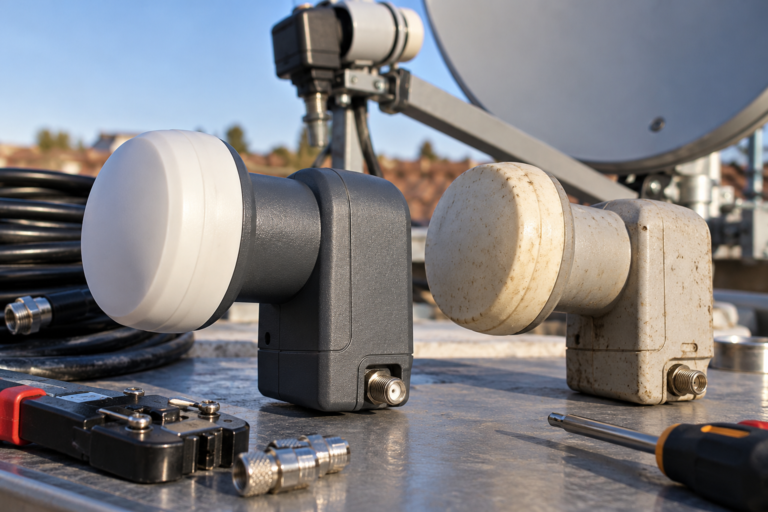
Our related guide, Why Hot Bird Works on One LNB but Not Another, explains how different LNB types, switching configurations, coaxial paths, and feed positions can affect Hot Bird reception. Those checks become relevant when a rescan fails to rediscover previously saved carriers.
Do not assume that a working signal-strength indicator proves every transponder is available.
What Different Post-Scan Symptoms Reveal
| Observed Symptom | Possible Cause | First Check |
|---|---|---|
| Many channels disappear immediately after scanning | Existing entries cleared or incomplete scan | Review clearing option and scan results |
| Only encrypted services disappear | Free-to-air-only scan filter | Check service inclusion settings |
| Channels remain in All Services but not Favorites | Bouquet references or list organization changed | Inspect and restore favorites |
| Several services on one transponder disappear | Failed carrier acquisition or outdated parameters | Verify the transponder and test lock |
| Channels appear under the wrong satellite | Incorrect satellite or DiSEqC selection | Confirm the physical RF path |
| Blind scan finds fewer channels than expected | Scan range, tuner limitations, or RF problems | Check scan coverage and verified carriers |
| Old entries remain but do not play | Stale services or unsupported playback conditions | Verify current service information |
| Channel list changes after restoring settings | Different saved database or receiver configuration | Compare backup contents and current settings |
These observations help identify the likely area of investigation. They do not prove a particular cause without additional checks.
How to Recover Missing Hot Bird Channels Without Losing More Data
The safest recovery procedure preserves the current state before making further changes.
Step 1: Stop Repeating Full Scans
If channels disappeared after the first scan, do not immediately repeat the same process.
Another scan using the same settings may produce the same result or alter additional entries.
Identify what the first scan changed.
Step 2: Check the Complete Service Database
Look for the missing channels under the receiver’s full services, satellite, or provider lists.
Do not rely only on the favorites screen.
If the services are still present and playable, restore their favorites entries rather than rescanning.
Step 3: Back Up the Current Configuration
Where supported, save the receiver’s channel database, favorites, and tuner settings.
Even if the present list is incomplete, a backup provides a recovery point before additional troubleshooting.
If an older verified backup is available, preserve it separately.
Step 4: Verify the Affected Services
Check whether the missing channels are still broadcast and identify their current technical parameters.
Use a reliable current source instead of an outdated receiver preset.
A discontinued service cannot be restored through repeated scanning.
Step 5: Test One Known Transponder
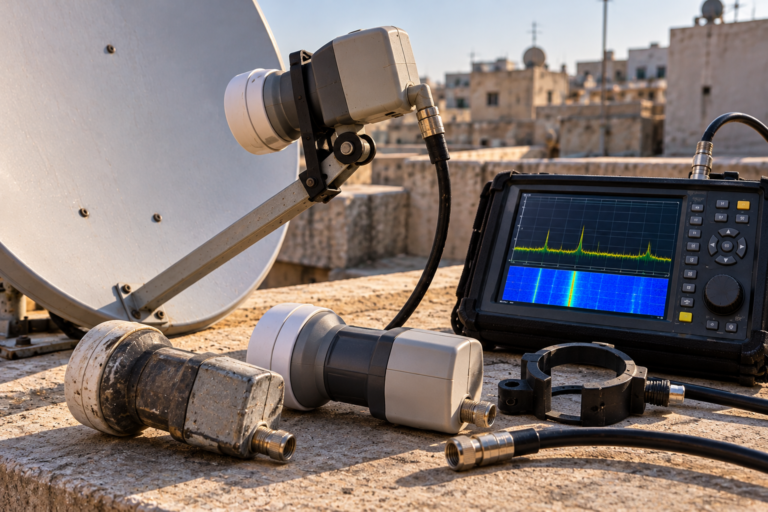
Before changing the complete database, manually tune a verified transponder carrying one of the missing services.
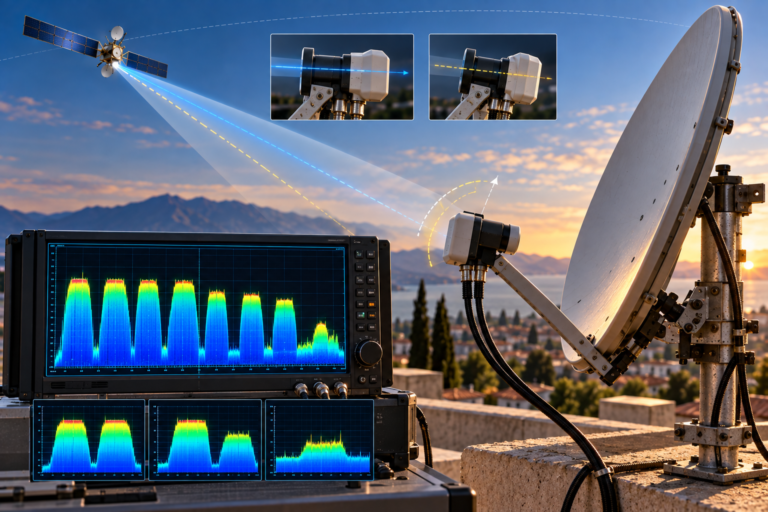
Confirm actual digital lock and, where possible, relevant signal-quality measurements.
If the carrier does not lock, investigate the reception path before attempting database repairs.
Step 6: Perform a Targeted Scan
If the carrier is receivable and the receiver supports its transmission format, perform a manual scan using the correct parameters.
Choose a non-destructive scan option when appropriate and supported.
Then check whether the desired services appear in the full database.
Step 7: Restore Favorites Carefully
Add the recovered services to the appropriate favorites or bouquet lists.
If restoring a full database backup, confirm that it matches the receiver’s software and configuration requirements.
Do not overwrite a working tuner configuration with an unsuitable backup merely to recover channel ordering.
Check All Services → Preserve the database → Verify current transponder data → Test RF lock → Scan the affected carrier → Restore favorites.
This approach minimizes unnecessary changes while identifying whether the missing channels are a database problem or a genuine reception failure.
When Is a Full Hot Bird Rescan Actually Necessary?
A broader scan can be useful when many services have changed transmission parameters, the receiver’s database is substantially outdated, or a controlled rebuild is required.
However, a full scan should follow verification of the dish, LNB configuration, switching assignments, and relevant reception paths.
When clearing the existing database, make sure the receiver can acquire the transponders that need to be rediscovered.
It is also sensible to preserve user-created channel lists before rebuilding the database.
A full rescan is not a substitute for repairing signal loss, incompatible hardware, or incorrect satellite selection.
Reality Check: The Scan May Remove a Channel Entry, Not the Broadcast
A satellite receiver scan cannot remove a television service from the satellite’s transmitted signal.
It can change the receiver’s local knowledge of that service, including its stored parameters, list position, and favorites references.
When the receiver fails to rediscover a previously stored channel, the resulting disappearance may reflect a clearing option, scan filter, outdated database, or existing RF problem.
Before replacing equipment or resetting the receiver, determine whether the missing service is absent from the database or genuinely unavailable through the receiving system.
Final Verdict
When Hot Bird 13°E channels vanish immediately after a receiver scan, investigate the scan’s database behavior before assuming that satellite reception has failed.
Clearing options can remove existing entries, scan filters can exclude services, and outdated tuning information can prevent valid carriers from being rediscovered.
Channel favorites and numbering may also change even when the broadcasts remain available.
The most reliable recovery method is to preserve the current configuration, confirm the missing services’ actual transmission parameters, verify RF lock, and scan only the affected transponders when practical.
Use a complete database rebuild only when it is necessary and the receiver’s reception configuration has been verified.
Frequently Asked Questions
Why did my Hot Bird channels disappear after a scan?
The receiver may have cleared existing channel entries, applied restrictive scan filters, or failed to rediscover certain transponders. Check the scan settings and complete service list before scanning again.
Can a satellite scan delete previously saved channels?
Yes. Some receivers provide options that remove existing service entries within the selected scanning scope. The exact behavior depends on the receiver and its software.
Why are my favorite channels missing but other channels still work?
The scan may have updated or replaced underlying service entries while leaving favorites pointing to outdated references. Check whether the services are still available in the complete channel database.
Will blind scanning recover all missing Hot Bird channels?
Not necessarily. Blind scanning depends on the receiver’s search capabilities and the quality of the received signal. It may miss unsupported or difficult-to-acquire carriers.
Should I enable Clear Before Scan?
Only when the intended task requires rebuilding the relevant service database and you understand the removal scope. Back up existing channel lists before using destructive scan options.
Why did encrypted channels disappear after scanning?
A free-to-air-only scan filter may have excluded them. Finding an encrypted service in a channel list is separate from having legitimate access to view it.
Can incorrect LNB settings cause channels to disappear after a scan?
Yes. Incorrect LNB or switching settings may prevent the receiver from rediscovering transponders. If the scan also removes old entries, the corresponding channels can disappear from the saved database.
Is a factory reset necessary to recover missing channels?
Usually not as a first step. Check scan options, verify reception, restore suitable backups, and perform targeted scans before considering a reset. A factory reset can remove additional configuration data.